Vocelle
Your voice, converted into text. Privately and locally.
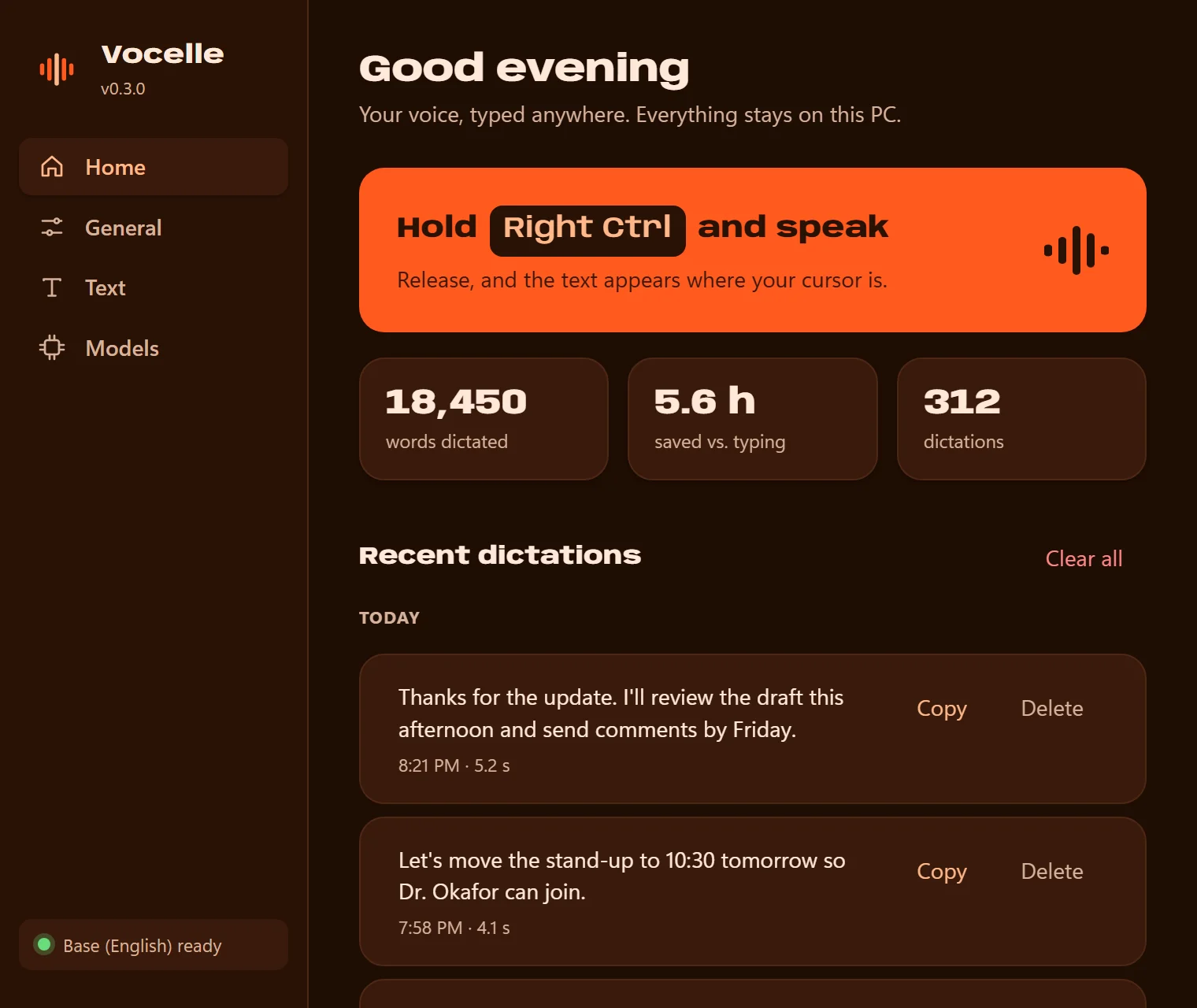
Vocelle is voice dictation for the desktop. Hold a key, speak, and release: your words are typed at the cursor in whatever app you are using. Speech is recognised on your own computer with open-source Whisper models, so your voice never leaves it.
- Status
- Version 0.3
- Platforms
- Windows 10 and 11, Linux (preview, X11)
- Licence
- Proprietary
What Vocelle does.
Developed for anyone who types all day.
Local transcription
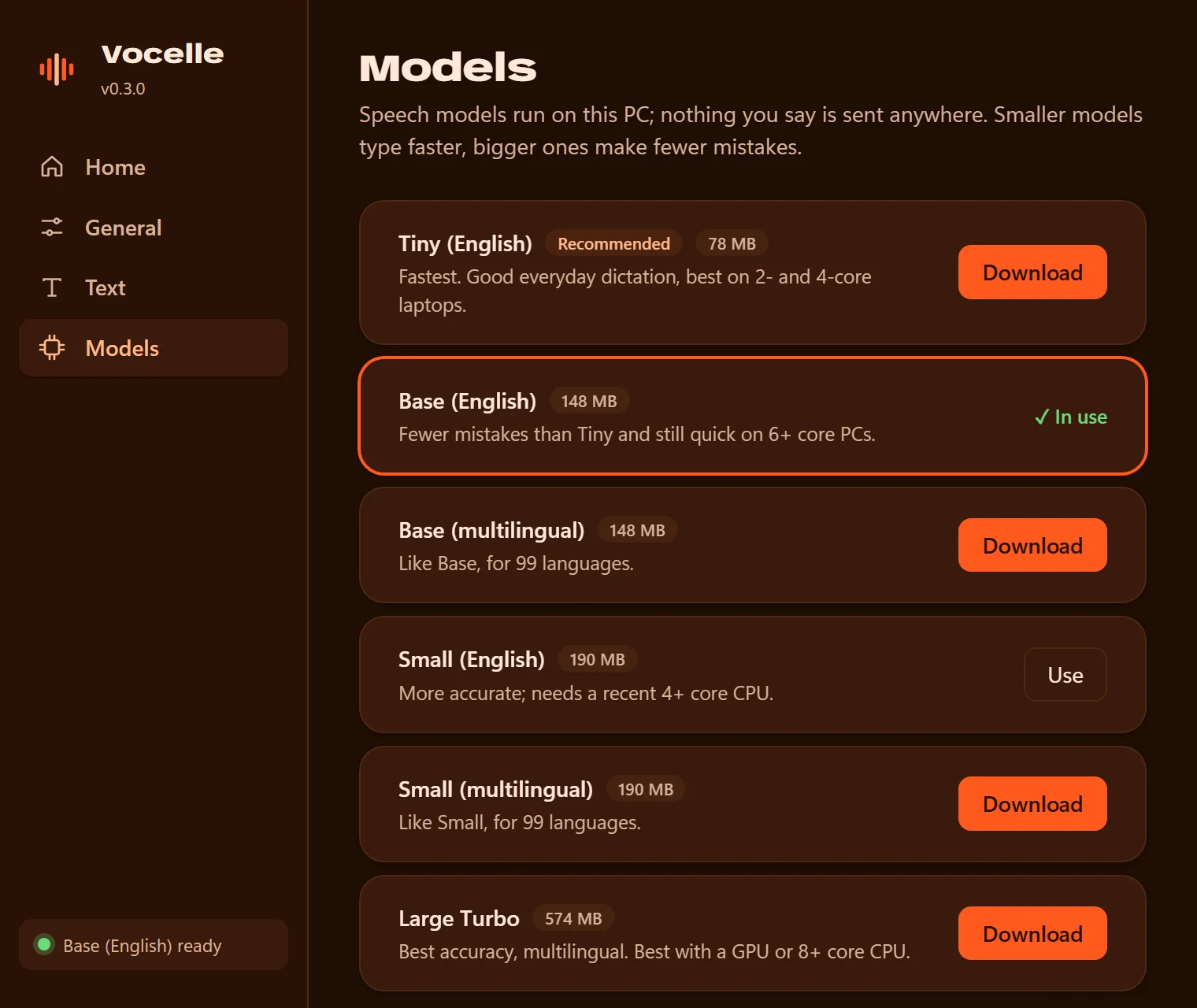
Speech recognition runs on your computer with Whisper models. Six models are available, from a 78 MB one for older PCs upwards, and Vocelle recommends one for your machine.
Text cleanup
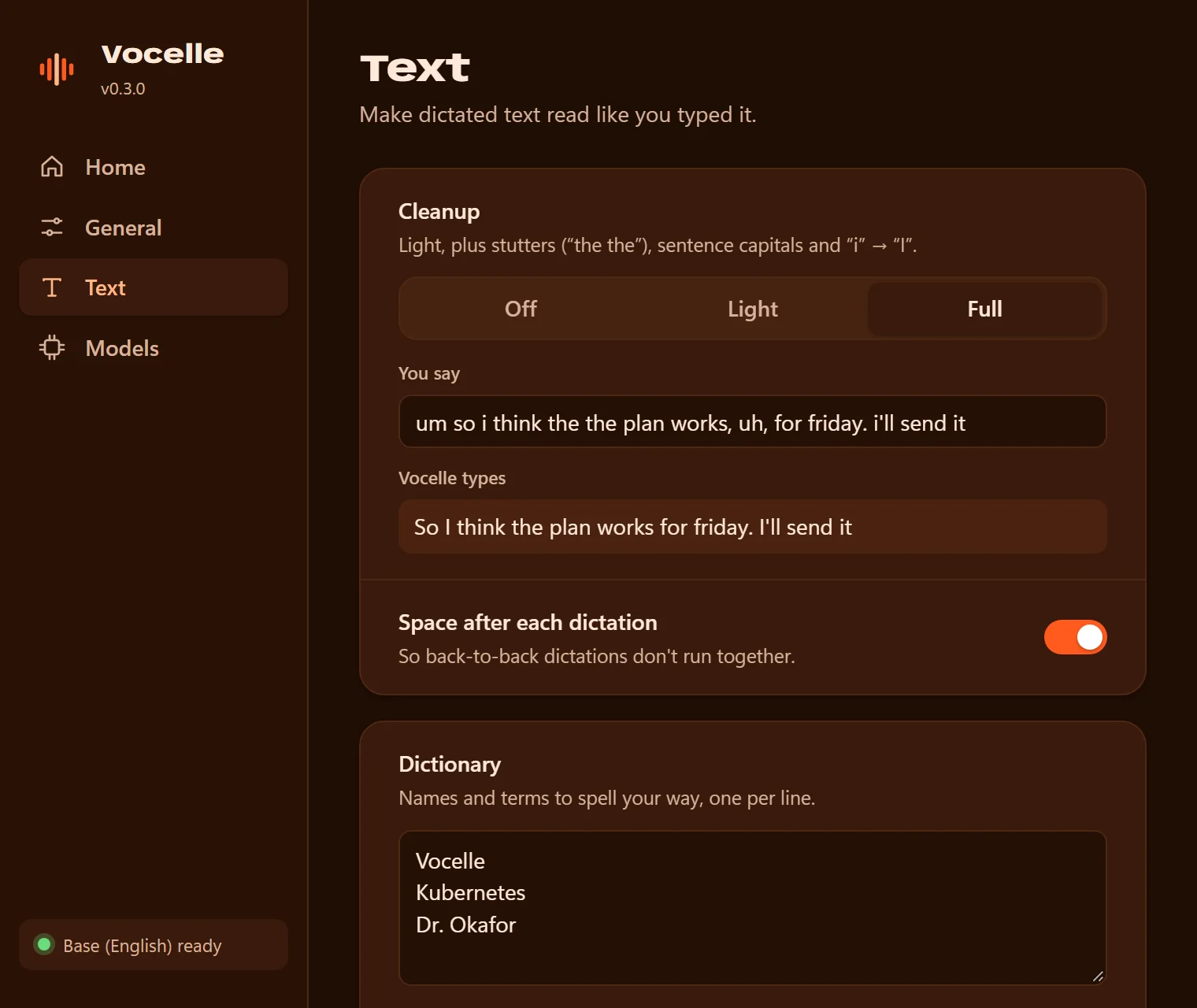
Removes "um" and "uh", and fixes stutters, spacing and capitals. Three levels, with a live preview.
Dictionary and replacements
Teach Vocelle names and jargon as spelling hints, and add whole-word rules for terms the model repeatedly misrecognises.
Types where your cursor is
Works in apps that have a text cursor and accept paste. Whatever you had on the clipboard is put back afterwards.
Local history
Your recent dictations, as text only, stored on your computer. Copy or delete any of them, or turn history off.
Unobtrusive by design
A small tray app with a floating indicator that never takes focus from what you are doing.
How it works.
Hold the talk key
Right Ctrl by default. You can choose another key.
Speak
Audio is recorded in memory only, while the key is held.
Release
Whisper transcribes on your computer, then cleanup, your dictionary and your replacement rules are applied.
Text is inserted
The text is pasted at your cursor and your clipboard is restored.
The interface in detail.
Text: cleanup with a live preview, and your dictionary
Models: download and switch, all local
A short guided setup on first launch
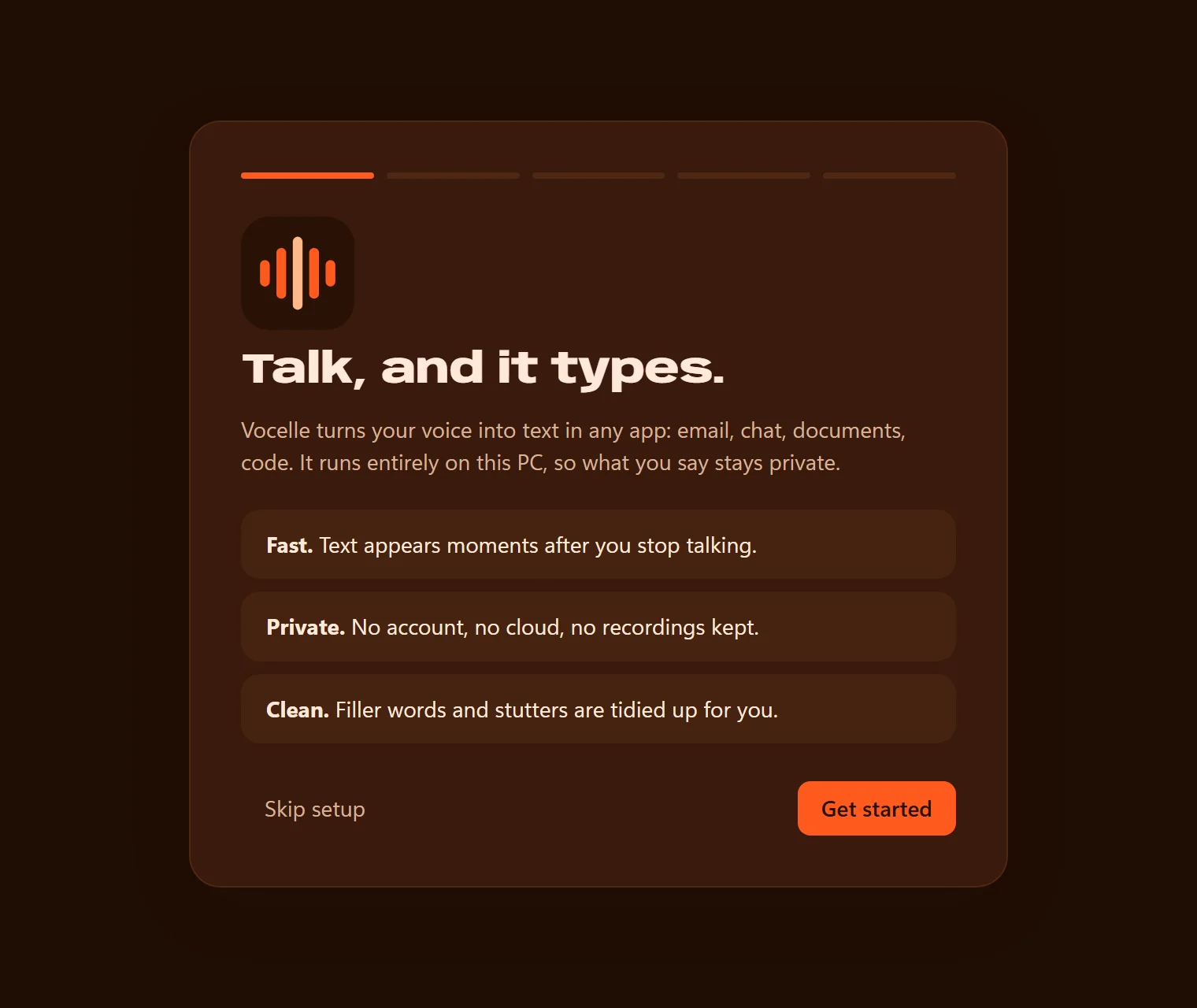
Audio does not leave your computer.
- Audio is recorded only while you dictate, processed in memory, and never saved to disk.
- Transcription runs entirely on your computer.
- The only network requests are the speech-model downloads you start yourself.
- History is text only, stays on your computer, and can be switched off or cleared.
- No accounts, analytics or telemetry.
Platforms and licence.
- Platforms
- Windows 10 and 11
- Linux (preview, X11)
- Current version
- 0.3.2
- Requirements
- Windows 10 (version 1903 or later) or Windows 11, 64-bit.
- Linux: an x86-64 desktop with an X11 session. Wayland sessions are not supported.
- A processor with AVX2, 4 GB of memory, and a microphone.
- The installer is not yet code-signed, so Windows may display a warning before installation.
- Licence
- ProprietaryVocelle is proprietary software. It is free to download and use, and its source is published so anyone can review it, but it is not open source.
Downloads and links.
- Download
Download Vocelle
github.com/codewithdark-git/vocelle/releases/latest
- Open the repository
Repository
github.com/codewithdark-git/vocelle
- Visit the website
Project website
codewithdark-git.github.io/vocelle
Frequently asked questions.
Does Vocelle need the internet?
Only to download a speech model the first time. After that it works offline.
Is any voice or text data sent elsewhere?
No. Recording, transcription and cleanup all happen on your computer.
Which apps does it work with?
Apps that have a text cursor and accept paste. Two known limits: Linux terminals, and on Windows, apps running as administrator unless Vocelle is too.
Is there a macOS version?
Not yet. Vocelle supports Windows, with Linux as a preview.
Is Vocelle open source?
No. It is proprietary. Official releases are free to download and use, and the source is published for transparency.
Does Vocelle use the graphics card?
Official builds use the processor.
Contributions towards Vocelle go to the studio's single fund, which supports the development of all of our products. Contribute to development.
Use the software. Share your feedback.
Texo and Vocelle are free to download. Bug reports and feedback determine what we build next.